
How the Brown County Court Calendar Works
The Brown County District Court page carries the Brown County Weekly Public Court Calendar. It is a searchable PDF rather than a standalone scheduling portal. The calendar covers public courtroom hearings, not every task the court handles in a day. Brown County District Court sits in Minnesota's Fifth Judicial District, and civil, criminal, family, probate, juvenile, traffic, and conciliation cases all flow through that one location.
A calendar line helps you find a hearing. It is not the full Register of Actions. The notice tells you what the court ordered. The calendar shows what is set in public. For prior and upcoming case activity, MCRO Case Details is the tool. Confidential Brown County matters and records excluded from remote access never appear on the public PDF, so a missing line does not mean a Brown County hearing was canceled.
Brown County's Moving Weekly PDF
The weekly public calendar goes up at 7:00 a.m. each business day. It is then refreshed hourly. That pace makes the PDF a solid Brown County court schedule check right before an appearance. Search it by party or attorney name. Read the posted update date and time before trusting any result. Brown County's official court page holds the current calendar link.
MCRO Hearing Search is the statewide hearing-search interface. It narrows results to Brown County by name, case number, judicial officer, attorney, hearing date, category, and location.
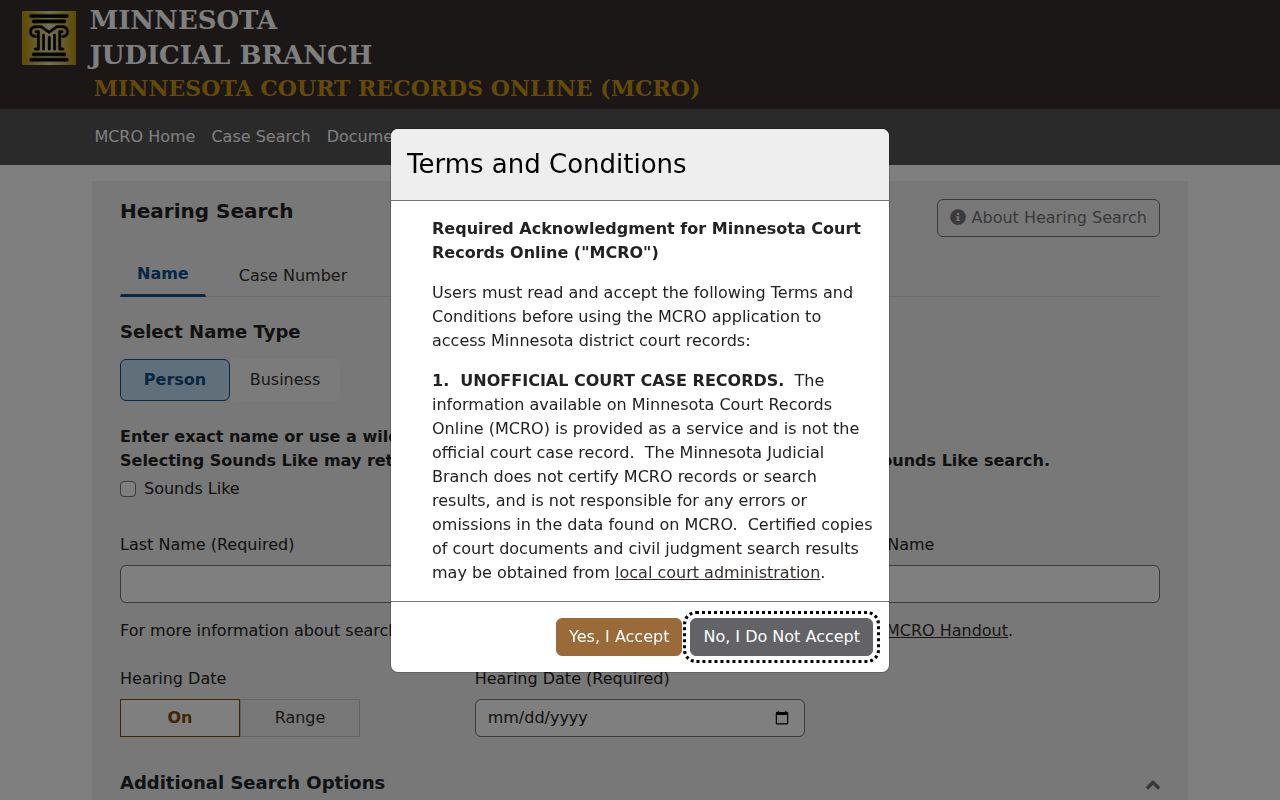
For a Brown County court date, a hearing result points you toward the case. The Register of Actions may then add hearing detail that a result card cannot hold. The case history lives there, and the schedule entry is just the door.
Printed Brown County calendars hang outside courtrooms and in public lobbies. Those give the freshest daily view. This matters: the online PDF updates often. But a last-minute change to courtroom, judge, or case assignment can hit the printed calendar first. The court does not promise the PDF will match the final setting.
The official Brown court information page gives the Brown County location. It supports checking current court information rather than an older PDF.
Brown County Court Date Lookups
When the date affects an appearance, check more than one Brown County source. The notice or citation is still the primary document the court sent. From there, enter the complete case number in MCRO Hearing Search. Pick Brown from the county list. Use the hearing-date filter if it helps. A case number beats a name for a known Brown County case. Some pending criminal, traffic, and petty-misdemeanor matters never surface in a defendant-name search.
- Read the Brown County notice or citation and preserve its case or citation number.
- Open MCRO Hearing Search, choose case number when available, select Brown County, and check the hearing date or date range.
- Open the Brown County case details and compare the newest Hearing and Case Event entries with the current weekly PDF.
- Check the printed Brown County calendar at the courthouse when the hearing is imminent or an assignment may have changed.
- Call Brown County Court Administration at 507-441-7020 if the notice, online hearing search, and Brown County PDF conflict or the matter is absent.
An attorney of record can also confirm a setting. Court Administration answers a Brown County scheduling question and points to the right local record channel. MCRO cannot schedule a hearing or replace the court's notice.
Brown County Date Sources Compared
Each Brown County source answers a different question. The notice states what the court directed. Hearing Search finds public hearing data across Minnesota and filters to Brown. The Brown County PDF is the local public schedule. Case Details keeps the event history of the case. When the first three disagree, the Brown County court administrator can confirm the current setting.
| Brown County source | Best use | Important limit |
|---|---|---|
| Notice or citation | Know the party's instructed appearance | May predate a later Brown County change |
| MCRO Hearing Search | Find public Brown County hearings by case, name, officer, or attorney | Remote access omits some matters |
| Weekly public PDF | Check Brown County courtroom scheduling | It can change after its displayed update |
| Printed courthouse calendar | See the most current daily Brown County posting | Available at the courthouse |
| Court Administration | Resolve a missing or conflicting Brown County date | Does not give legal advice |
Note: A Brown County calendar absence can reflect a remote-access limit, a different setting source, or a change that still needs confirmation.
Court Settings: What Each Field Means
Brown County publishes no complete local code glossary for its calendar. Read the label on the hearing notice and in MCRO. Do not guess from a shortened description. The fields below are the typical ones. They are supported by the Brown County calendar and MCRO materials. A given Brown County entry may not display every field, especially where public access is limited.
| Date | The scheduled Brown County calendar date. Check the newest entry, not an older notice alone. |
|---|---|
| Time | The listed hearing time. It may identify a docket call or an individual setting. |
| Courtroom | The Brown County location or room assignment when publicly shown. |
| Judicial officer | The judge or other listed judicial officer assigned to the public hearing. |
| Case number and title | The identifier and public case style used to connect the calendar entry to Brown County Case Details. |
| Setting type | The hearing label, such as appearance, arraignment, pretrial, motion, status, settlement, trial, or judgment event. |
| Appearance mode | A remote or in-person notation where the notice or hearing details include one. |
Brown County Remote Hearing Requests
Zoom links and statewide remote-hearing forms hang off the Brown County court page. Assuming video is automatic gets people in trouble. A remote appearance has to be approved first.
The statewide remote or in-person appearance form page carries OTH1001 and OTH1002. Use OTH1002 to ask the court to switch the appearance mode. Filing one does not change a Brown County court schedule by itself. There is no filing fee, and the judicial officer makes the call. Send the request to Court Administration early. If the hearing is near and no order has come, phone Court Administration. Do not assume the pending request grants remote access. The notice, any order, and the newest hearing details set the mode of appearance.
Remote appearance point. An OTH1002 request is a request to the Brown County court, not an automatic conversion of an in-person hearing to video.
When a Brown County Court Date Moves
Court dates in Brown County shift for many reasons. A new judge can force a change. So can a courtroom switch, weather, a holiday closure, or simple case-management needs. The Fifth Judicial District's continuance best practice makes its position plain: judges look on these requests with real disfavor. Trial dates draw the most resistance. The request itself normally has to be in writing and signed. It also must explain the reasons. From there the court weighs good cause one case at a time.
One more Fifth District rule matters in Brown County. A party with an active warrant will not get a continuance request considered at all. Also keep perspective on what a moved date means. A reset is not a dismissal. A stale calendar line proves nothing about the current setting. Before trusting any old Brown County docket entry, read the newest Case Event and Hearing entries. Then compare them with the current Brown County PDF. If the record still conflicts after that, call Court Administration.
Brown County Reset Terms
MCRO keeps its event trail under Case Details. That section serves as the Register of Actions. Its history explains a changed Brown County court schedule from the inside. A one-word label on the calendar rarely tells you why a hearing moved. Read the full public case history and the notice together, and the picture becomes clear.
- Hearing
- A scheduled Brown County court proceeding that MCRO may list as upcoming or past.
- Case Event
- A Register of Actions entry recording a filing, notice, court action, or other case activity.
- Continuance or reset
- A move of a scheduled Brown County event to a different date or time.
- Setting type
- The kind of proceeding scheduled, such as arraignment, motion, status, settlement, trial, or judgment event.
A status label can lag behind reality. Current-day Brown County hearings sometimes still show as Upcoming even after they happened or were continued. The newest event text beats the label every time. When in doubt, let Court Administration confirm the true court date rather than trusting what the docket status implies.
Missed Settings and What Comes Next
Missed a Brown County setting? Move fast. Review the notice and the current Case Details, the Register of Actions, then call Brown County Court Administration at 507-441-7020 to learn the local scheduling path. If counsel represents you, contact that attorney too. Court Administration can pull up the case record and the current court contact. What it cannot do is decide whether your missed appearance gets excused.
Missed a Brown County setting? A missed court date can lead to a failure-to-appear consequence, an active warrant, or a bond-related problem depending on the case and the court's order.
Confirm the Brown County case status immediately and follow the court's directions before assuming a new date has been set.
A missed setting needs more than a glance at the weekly Brown County PDF. That PDF is only a public schedule. It does not replace a notice, an order, or a confirmation straight from the court. Do you know the case? Start with the linked Brown County Docket Search. It can lead you to the Register of Actions. From there, contact Court Administration if the docket entry still leaves the hearing date unclear.
When Brown Court Administration Confirms
Call Brown County Court Administration when the pieces do not line up. Maybe MCRO and a printed notice disagree, or a calendar moved after it was posted. The office sits on the third floor of the Brown County Courthouse at 14 South State Street in New Ulm. The official Brown County Court Administration directory lists 507-441-7020. Want a fuller look at the courthouse docket? The public-access terminals and the local paper counter can beat remote MCRO access in some situations.
One thing stays constant: the court record belongs to Brown County District Court. A city police department may have started the citation or complaint. But the case still lives in District Court. Court personnel will point you to the right channel, whether that is a public terminal or a local file. The court itself sets the actual calendar. Bring your Brown County case number or citation number if you can. It helps staff find the correct matter fast.